

Honestly, with today’s technology, it can be really hard to tell a real shot from a computer fake. This creates a real challenge for AzarÉl Greetings. While my photography is completely real, people are not used to seeing birds interact with vintage objects in creative scenes. With just a quick glance, many assume I’m either an expert at Photoshopping a bird into a setting or I’m using the latest AI technology. To clear things up, my husband Brian and I have started showing videos in our booth so people can actually watch the birds and other critters in action. It’s the best way to prove that the magic you see in our photos is happening right in front of the camera.
A prime example is “A Fairy Story Takes Flight”. Birds just don’t behave this way…or do they? Spoiler: This happened in front of my eyes. The scene was created on a feeding platform that provides food each day. The birds feel safe and expect to find food and look for it. The little demitasse cup is weighted with stones and filled with black oil sunflower seeds. But how did I get the pages to fan? I thought long and hard to get the pages to do that! Toothpicks are at the base of the pages. For more details, check out our blog, “A Fairy Story Takes Flight: How did you do that?”

Even though AI is getting incredibly good, it still struggles with the fine, complex details of a bird’s anatomy. This is why AI-generated birds can look unnatural or “too perfect,” with flawless feathers and ill-defined feet. In contrast, real birds are full of charming imperfections.

In our photograph “The Fiddle’s Feathered Friend,” the tufted titmouse grasps the tiny violin bow exactly like he would a tiny twig. Even the claws are visible on the feat. A computer generated image would make a mess of “spaghetti toes” trying to get the grip on the bow and string correct.
By the way, there just happens to be a hidden food stash behind the violin, and a bird’s natural instinct is to perch above before descending to its food. The violin is only about eighteen inches long.
Figuring out ‘real’ or ‘fake’ takes a lot of thinking. Look carefully at the toes and feet of this sweet little wren. The grip and the toes aren’t quite right.
This example was taken from a really helpful article:
From robins to falcons: Testing AI’s ability to render realistic birds in various positions.
The author, Jeff Mann, uses AI to create images of bird species. He then points out the inaccuracies in the images. Learning to evaluate takes a lot of examples like this.

The setting behind a bird is just as important as the bird itself. In contrast to a real photograph, AI often messes up the background in strange and illogical ways. One of the most common giveaways is a weird blur or “bokeh.” In AI photos, the blur can be inconsistent and unnatural—you might see a strange, “melty” blur around the subject’s edges, or elements that are both in and out of focus at the same time. Pay attention to small details: AI-generated branches might look twisted or just stop abruptly for no reason, showing that a computer was working from an idea, not a real physical scene.
This example was taken from another extremely helpful article: What Does Generative AI Mean for Bird and Nature Photography? Original 2023 Audubon Photography Award Winning photographs are show beside six AI images generated from a description. On the left is an amazing photo of a Diving Chinstrap Penguin by Karen Blackwood/Audubon Photography Awards/2023 Amateur Winner. The image on the right was AI generated.

AI images are designed to look amazing, but sometimes they can feel a little off in a way that’s hard to put your finger on—this is often called the “Uncanny Valley.” One of the best ways to spot this is to check where the light is coming from. In AI-generated images, the lighting can be completely inconsistent, with a bird brightly lit from the front while the background is dark, creating a strange, “pasted-on” look.

In contrast, a real photographer has a strategy. For our work at AzarÉl Greetings, most of our photography sessions happen in the morning, under the shade of a tree. This allows us to take advantage of the soft, natural morning light, which helps create a beautiful, even glow. Because the photography is done in shade, Lightroom helps me increase exposure and add the vibrance that people enjoy. This is very different from an AI’s hyper-saturated or sterile feel, where the light is too perfect and the overall mood of the image feels more like a movie still than a real-life moment.
This photo of a cardinal went viral! It received more than 10,000 shares and 24,000 likes. Check out the bill. It looks suspiciously like a chicken’s beak. Snopes called it out as a fake in Sadly, This Gorgeous Pic of Red-and-White ‘Santa Cardinal’ is Fake.
If you’re suspicious, one of the simplest and most effective tools in your arsenal is a reverse image search. Just upload the photo to Google Images or a similar service. If the picture is an AI creation, you might find it on lots of different websites with no photographer’s name attached, or it may be labeled as “AI art” in various online galleries. If the image is a real photo, the search will often lead you to a reputable photographer’s portfolio, a nature blog, or a news article with proper attribution.

Here’s a simple reverse image search:
Learning to use these clues helps you to tell the real from the fake. It takes more than a glance. Look hard. Think carefully. If the photographer is there, ask questions.
This video is an eight-photograph-sequence taken in the split seconds when the chickadee landed on the pages. AzarÉl photography is done in morning shade. Two of the stills have been processed. You’ll see brightness has been added as well as the characteristic AzarÉl vibrance.
“Toasting My Toes” and “Azure on Winter White” are almost unbelievable. They really happened. Check out mama bluebirds right claw in “Marriage is a Patchwork”. At first glance, her right claw looks deformed. Look again; she’s holding on to something. Be sure to visit AzarElGreetings.com to see the enjoyable antics of birds and critters in our backyard.

References:
A.I. Came for Our Jobs, Our Art, and Our Souls. Now It’s Coming for Our Birds.
Slate.com, by Nicholas Lund, December 28, 2023.
From robins to falcons: Testing AI’s ability to render realistic birds in various positions
becausebirds.com, by Jeff Man, May 4, 2023
What does Generative AI Mean for Bird and Nature Photography?
Audubon.org, by Allen Murabayashi, Summer, 2023.
The Ethical Use of Generative AI in Wildlife Photography: A Balanced Approach
WildlifePhotoApprentice.com, By MFirst Photography, August 15, 2024
A great quote from the above:
“Traditional editing tools enhance an image without altering its fundamental truth, whereas generative AI changes can potentially alter the scene’s reality. As long as the use of generative AI is limited, transparent, and does not mislead the audience about the photograph’s core message, it can be viewed as ethically comparable to traditional editing practices. The key lies in the photographer’s intention and commitment to maintaining the photograph’s authenticity and integrity.”


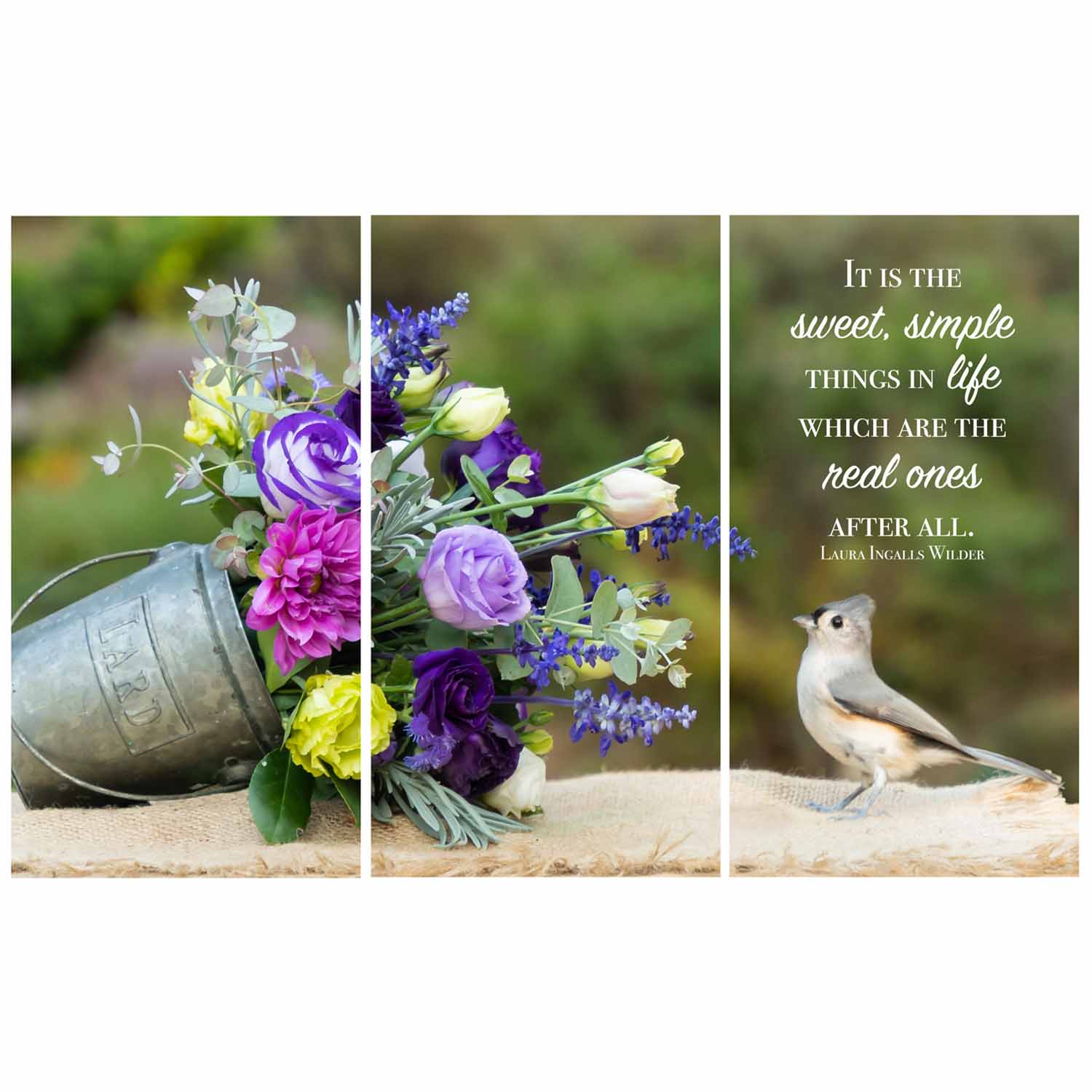
Giclée Canvas print, three panel triptych, 20" x 33" (w/ 3/4" gaps)
Original Photography, printed and hand stretched by AzarÉl Greetings.
| 3000 Left in Stock | ||

Original Photography
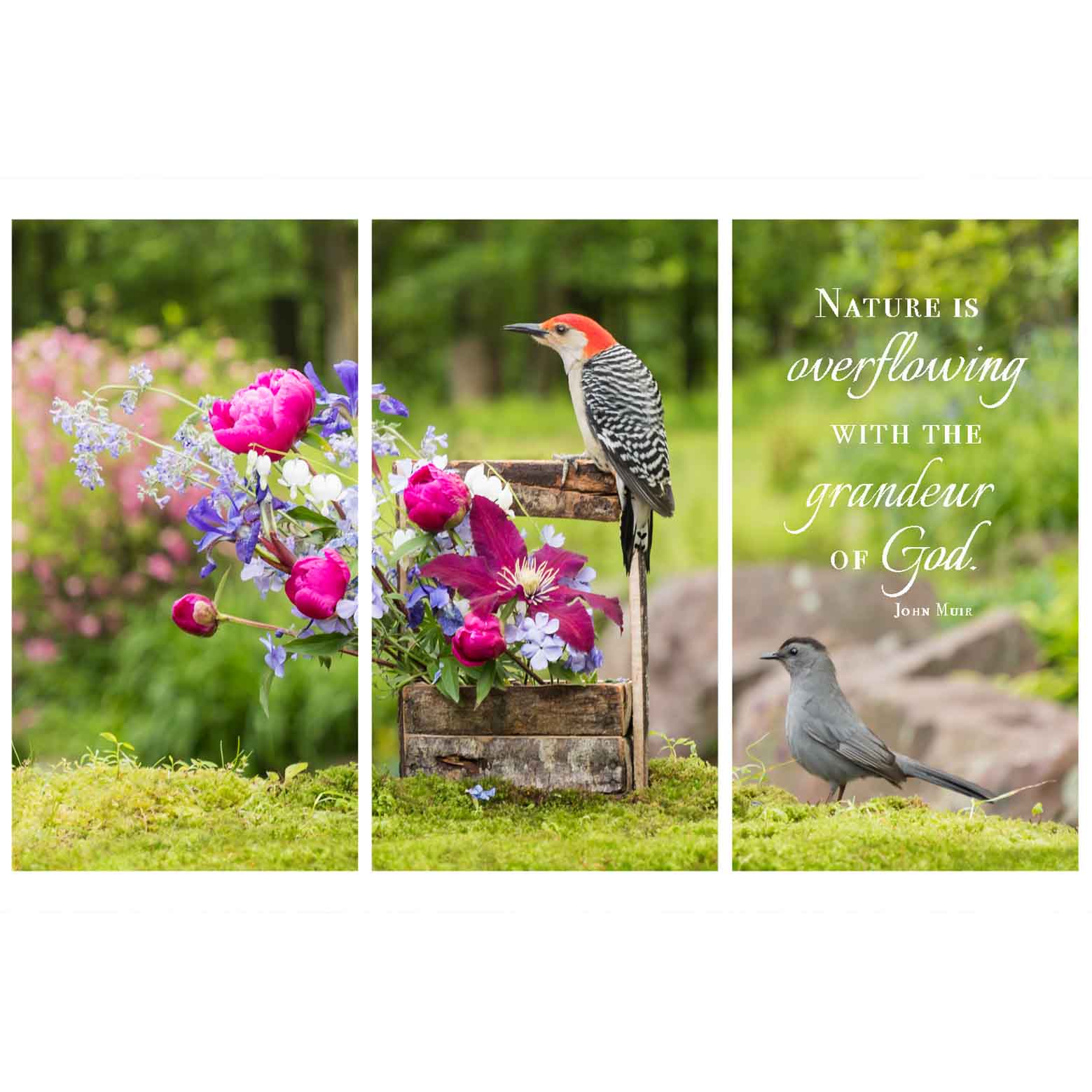
Giclée Canvas print, three panel triptych, 30" x 49 1/2" (w/ 3/4" gaps)
Original Photography, printed and hand stretched by AzarÉl Greetings.
| 2999 Left in Stock | ||

Giclée Canvas print, 20” x 30”
Original Photography, printed and hand stretched by AzarÉl Greetings.
Click here to see how our canvas prints are made.
| 1000 Left in Stock | ||
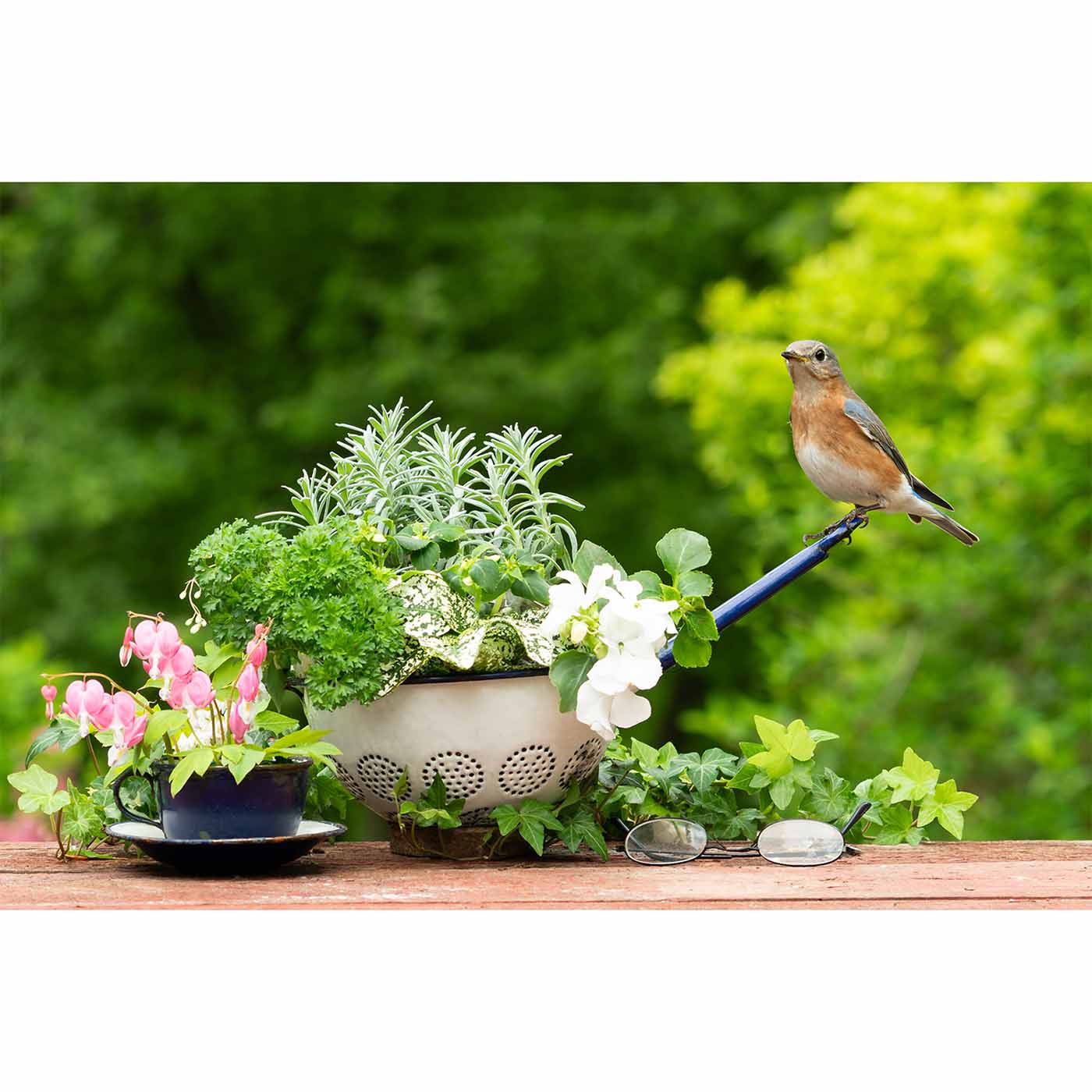
Giclée Canvas print, 16” x 24”
Original Photography, printed and hand stretched by AzarÉl Greetings.
Click here to see how our canvas prints are made.
| 3000 Left in Stock | ||
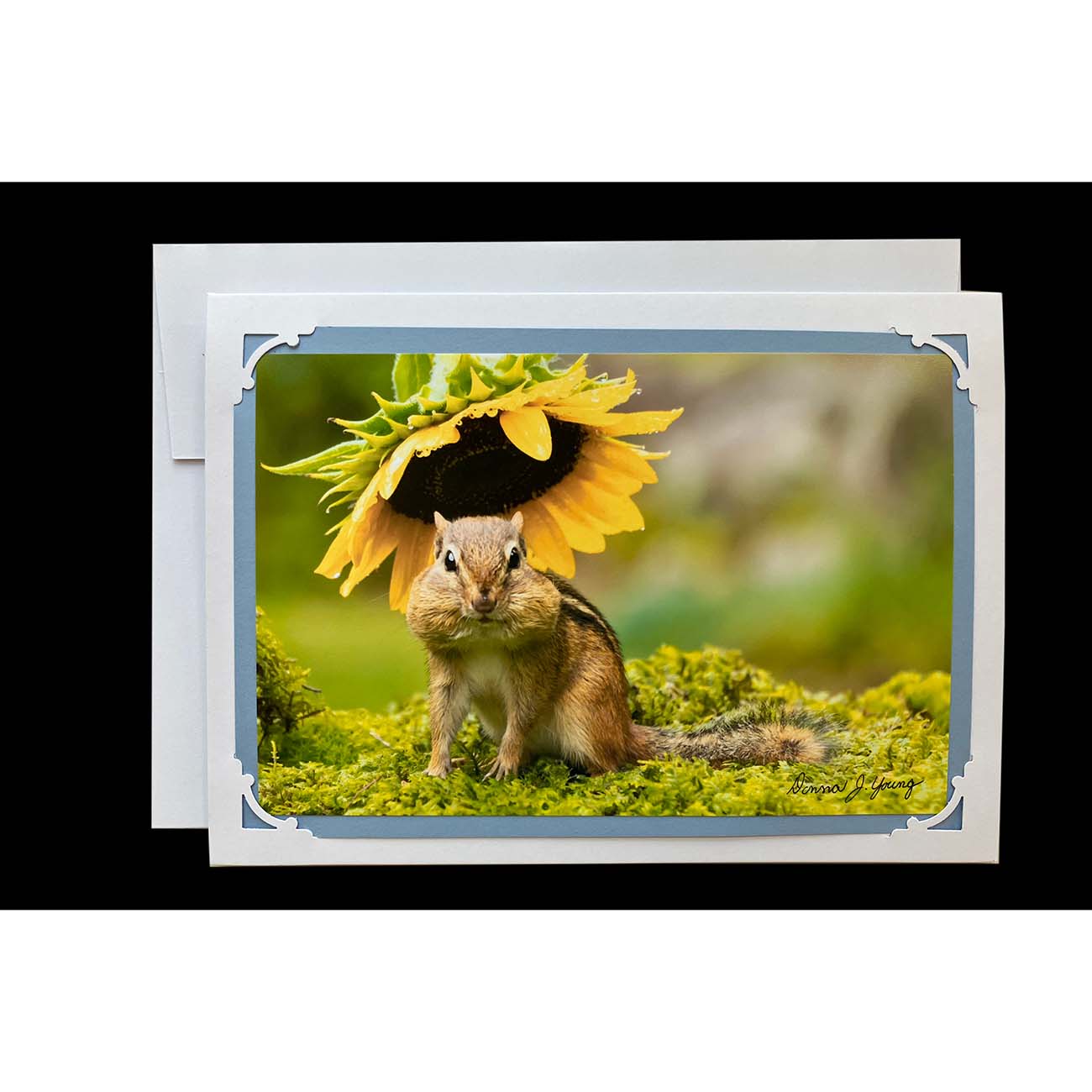
Original Photography
| 997 Left in Stock | ||
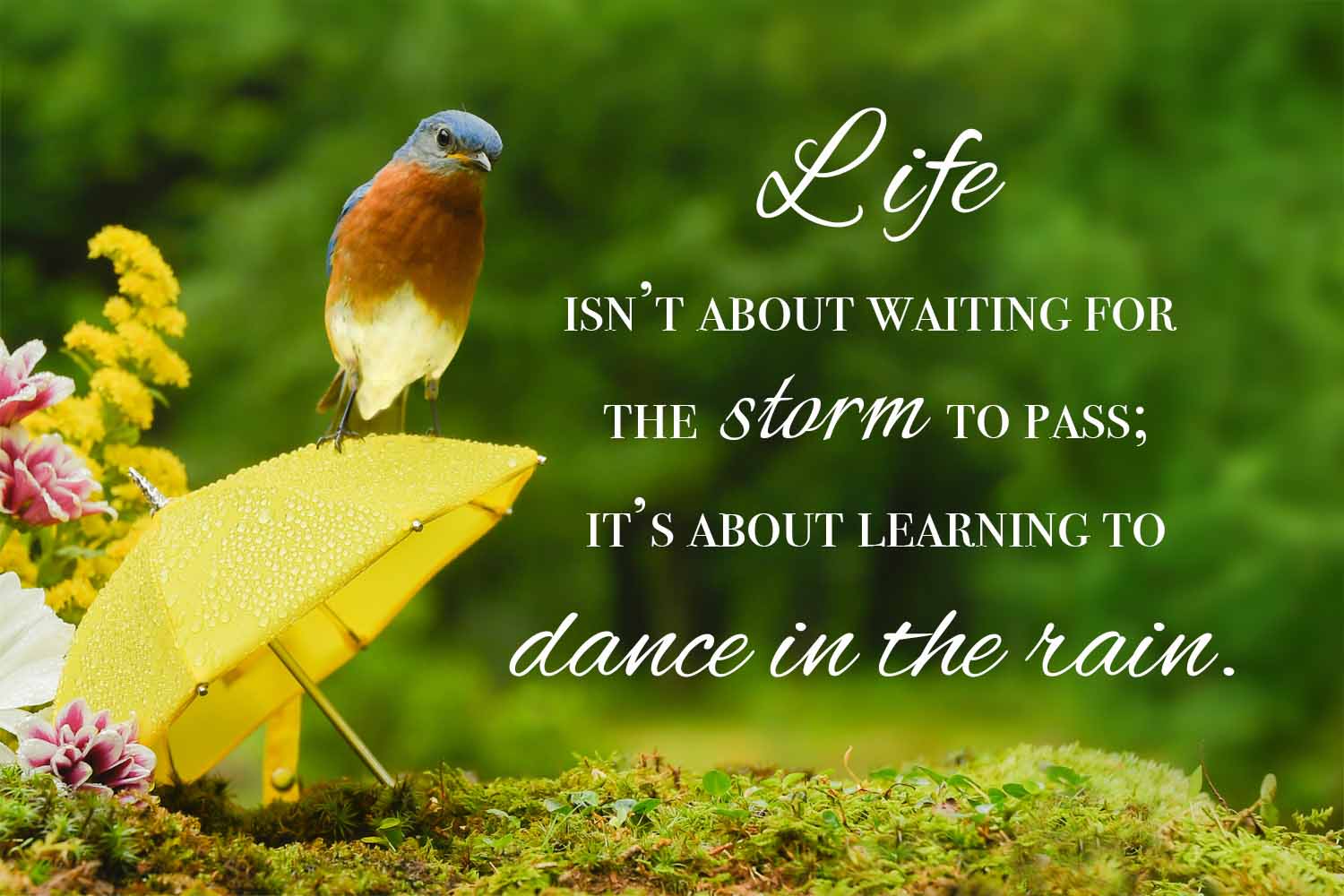
Giclée Canvas print, 20” x 30”
Original Photography, printed and hand stretched by AzarÉl Greetings.
Click here to see how our canvas prints are made.
| 3000 Left in Stock | ||

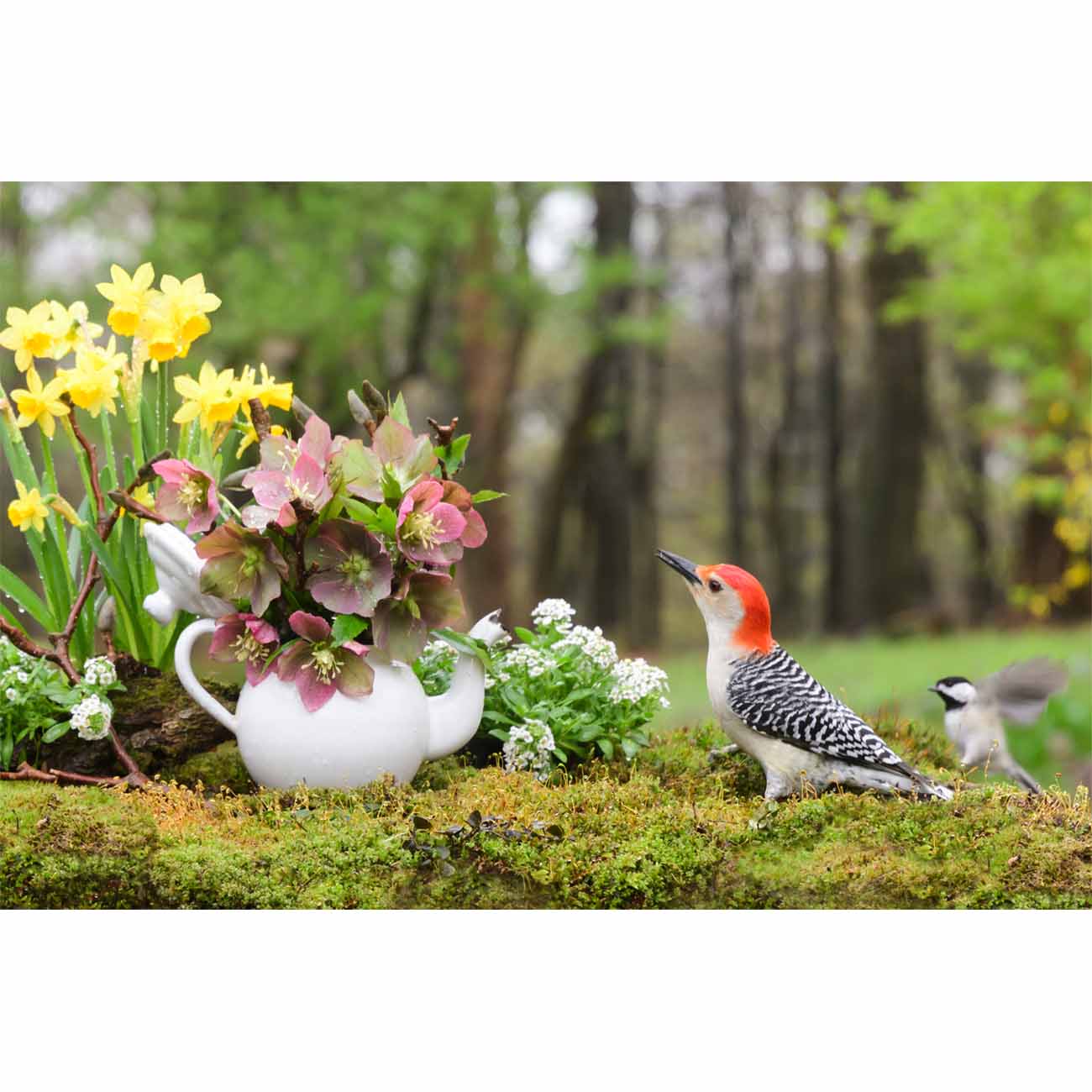
Giclée Canvas print, 20” x 30”
Original Photography, printed and hand stretched by AzarÉl Greetings.
Click here to see how our canvas prints are made.
| 3000 Left in Stock | ||
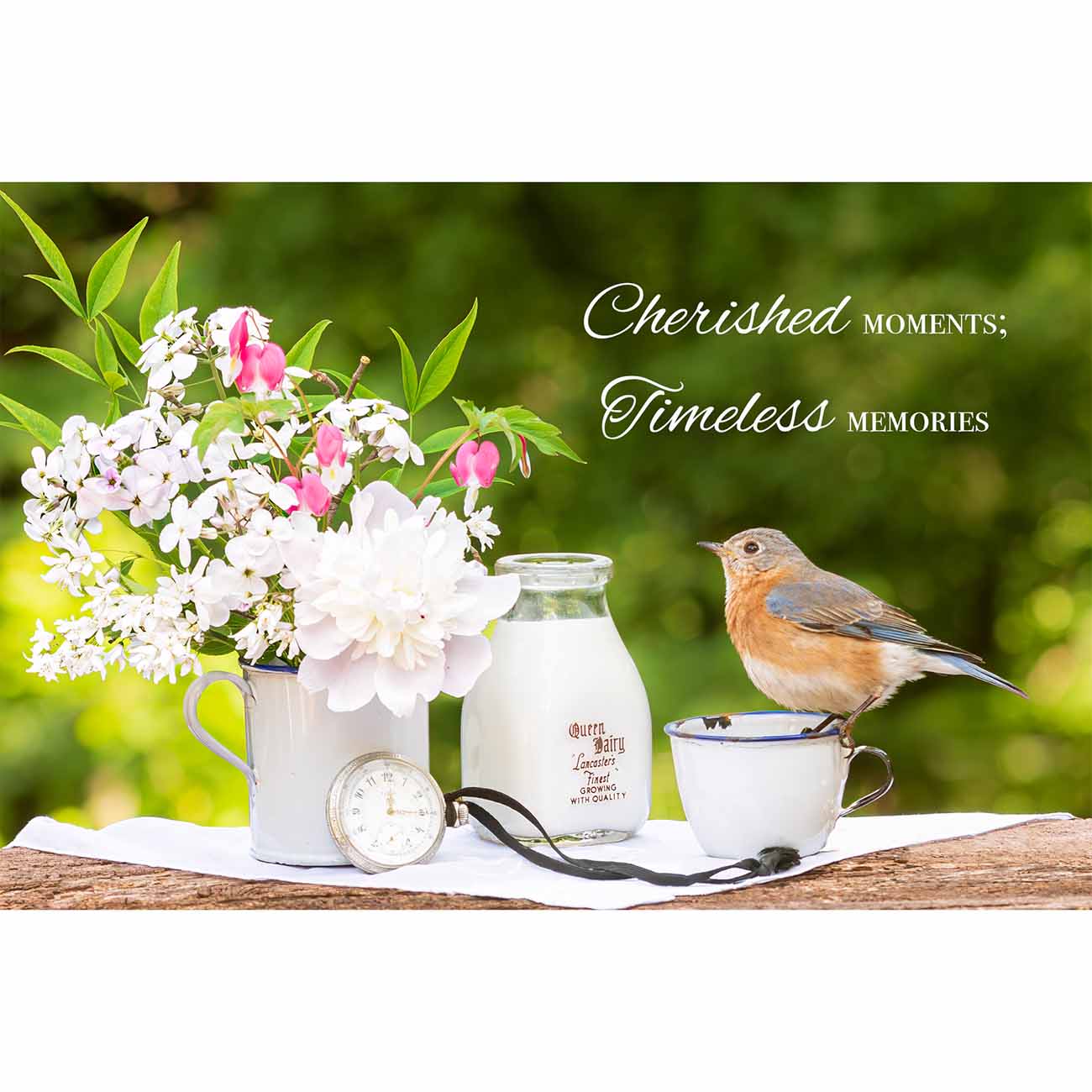
Giclée Canvas print, 20” x 30”
Original Photography, printed and hand stretched by AzarÉl Greetings.
Click here to see how our canvas prints are made.
| 3000 Left in Stock | ||
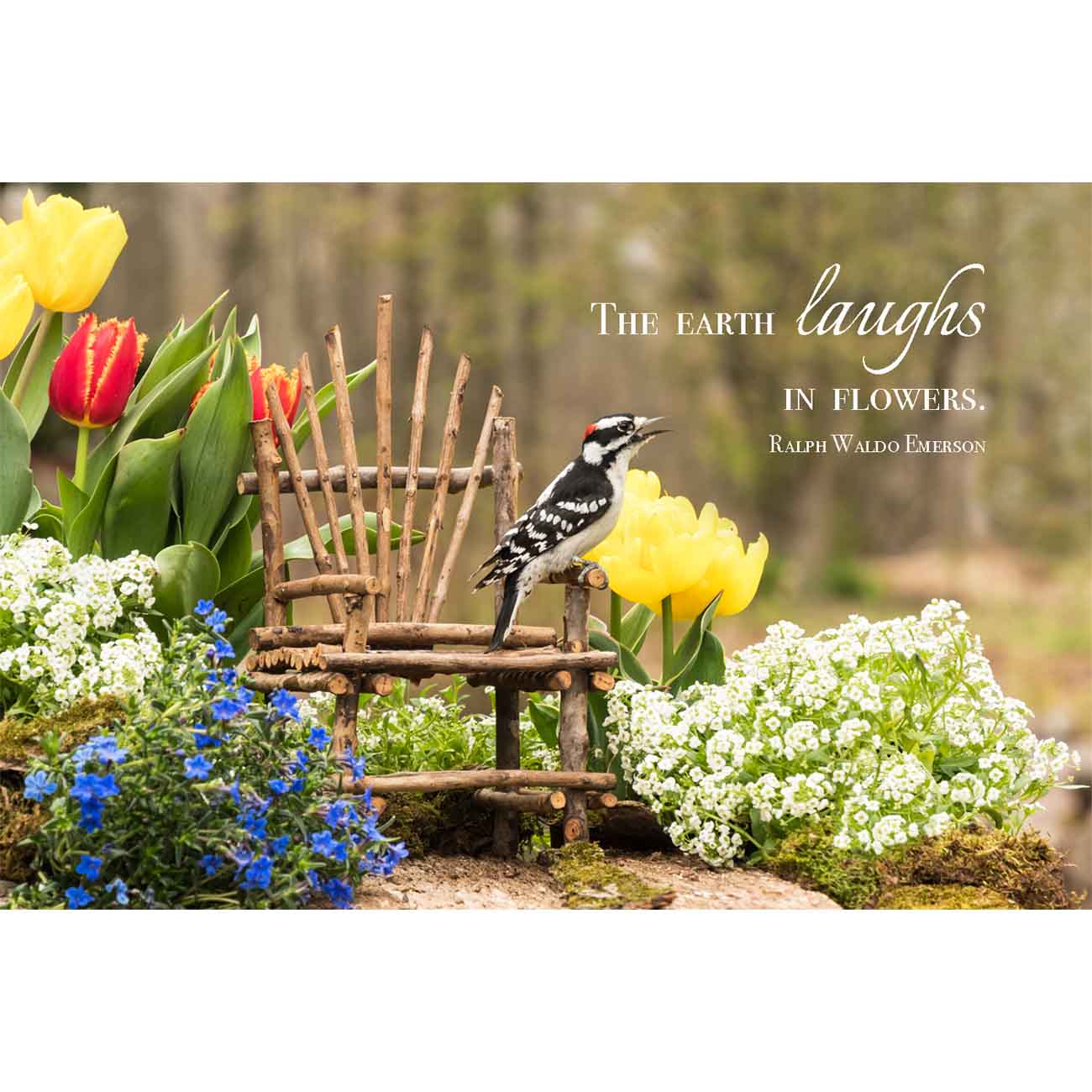
Giclée Canvas print, 20” x 30”
Original Photography, printed and hand stretched by AzarÉl Greetings.
Click here to see how our canvas prints are made.
| 3000 Left in Stock | ||
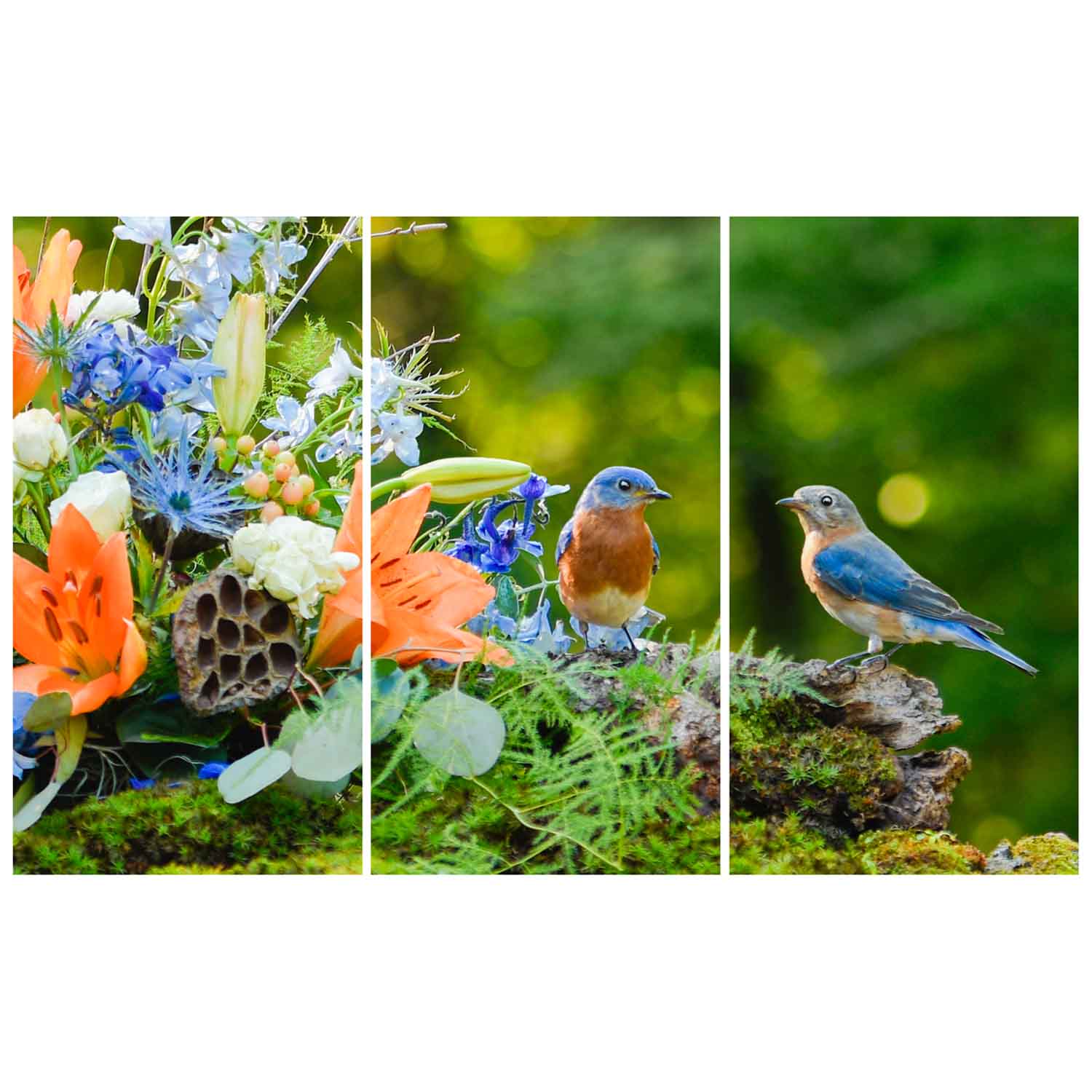
Giclée Canvas print, three panel triptych, 30" x 49 1/2" (w/ 3/4" gaps)
Original Photography, printed and hand stretched by AzarÉl Greetings.
| 2999 Left in Stock | ||
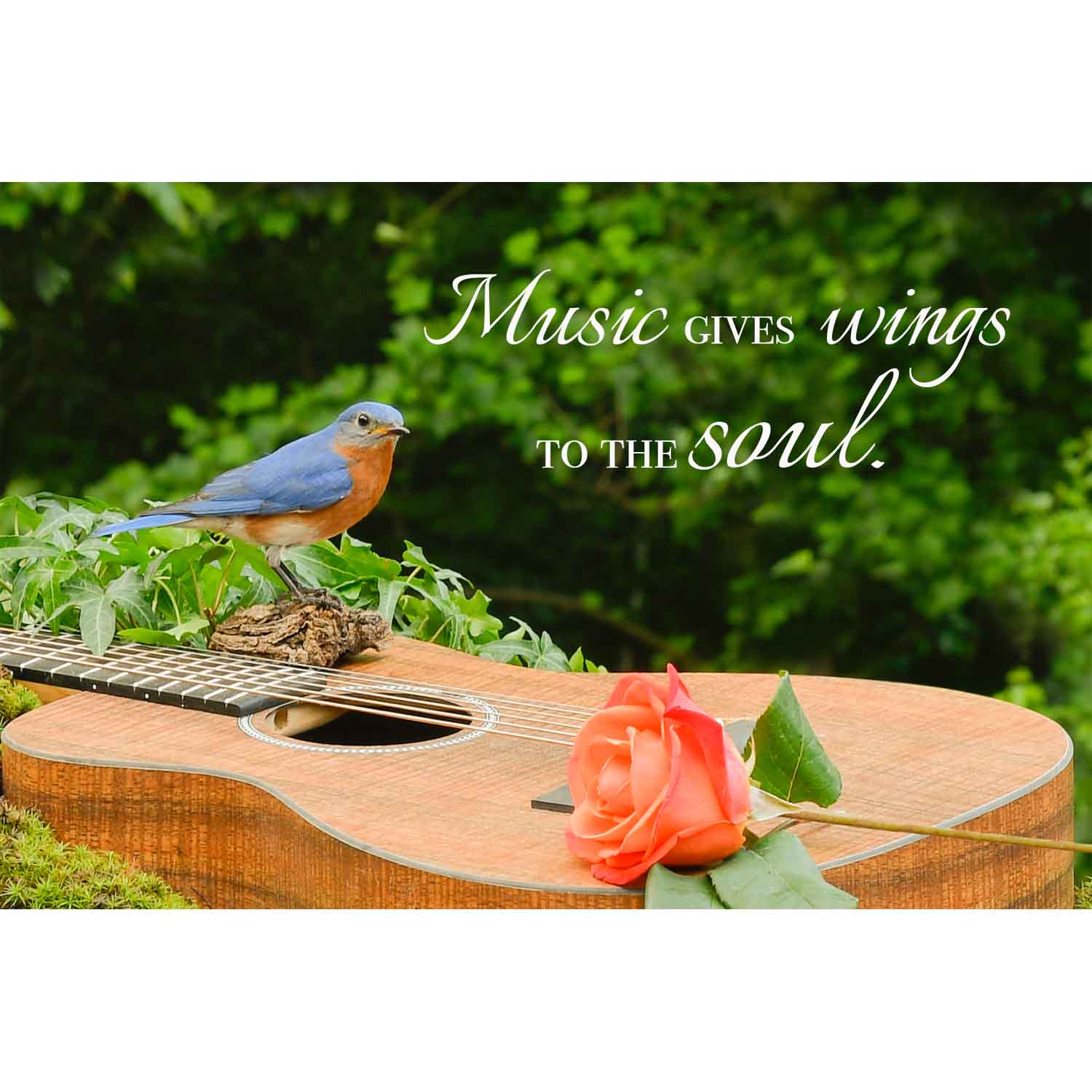
Giclée Canvas print, 20” x 30”
Original Photography, printed and hand stretched by AzarÉl Greetings.
Click here to see how our canvas prints are made.
| 3000 Left in Stock | ||

Original Photography